Know the people behind the appointments
Keep client contact details, tags and internal notes together, so your front desk can prepare for the next visit.
FOR SALONS AND BARBERS IN SRI LANKA
Your appointments, your clients and your team, together in one place. Lookbook helps beauty professionals in Sri Lanka organise their day and give customers an easier way to book.
Try it freeAlready on Lookbook? Business loginStaff login

For independent professionals and growing teams
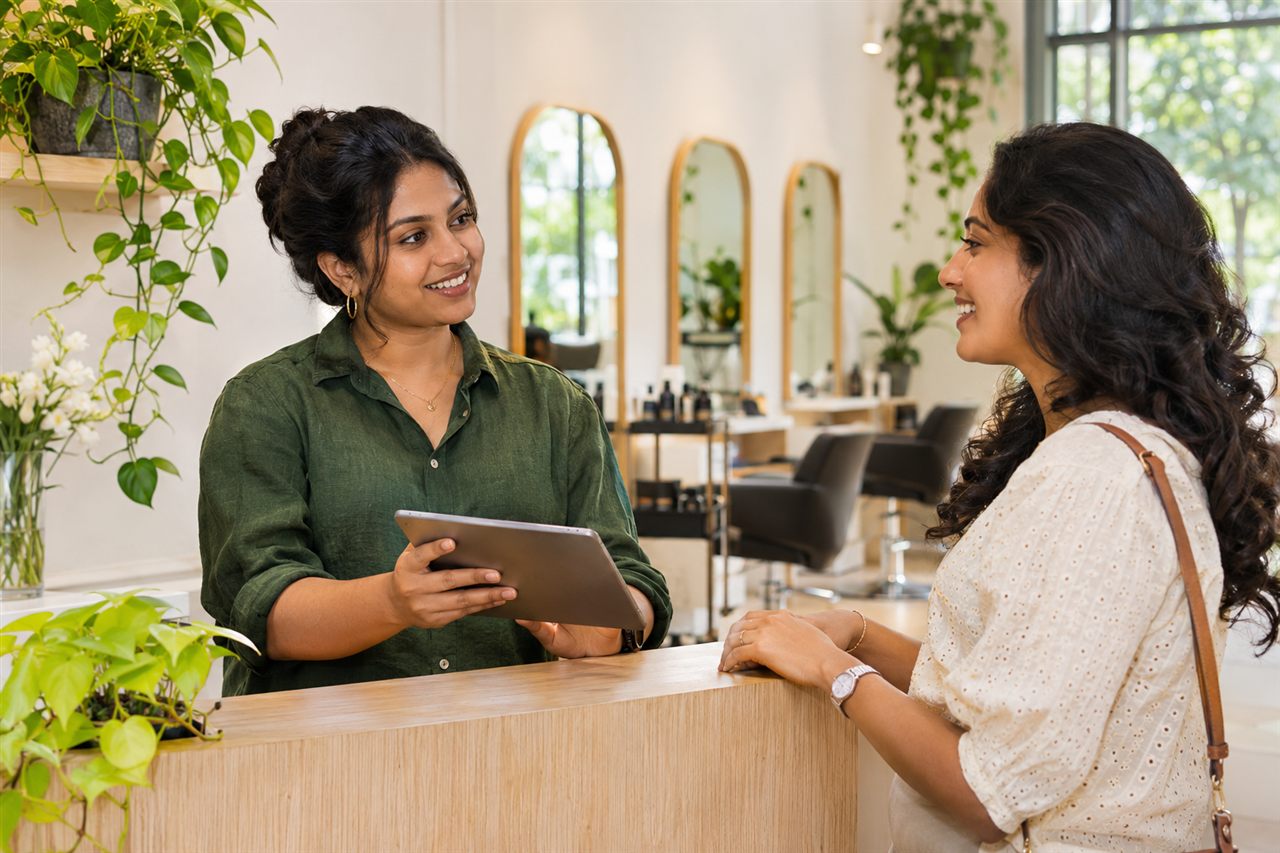
Give your salon or barbershop a home on Lookbook. A public business profile brings your services, prices, photos and opening hours together, so customers can explore your work and book an available time.
Customers can visit your booking page whenever it suits them. They choose a service, check your availability and sign in to confirm their appointment, using a phone, tablet or computer.
You set your services, durations and working hours. Lookbook shows the appointment times available for those services.
Explore your menu, prices and appointment durations.
Pick from the appointment times your business has available.
Sign in to complete the booking and keep track of the visit.
Keep your online bookings and appointments in one calendar. Check the service, client and assigned staff member, then manage appointment changes from your business workspace.
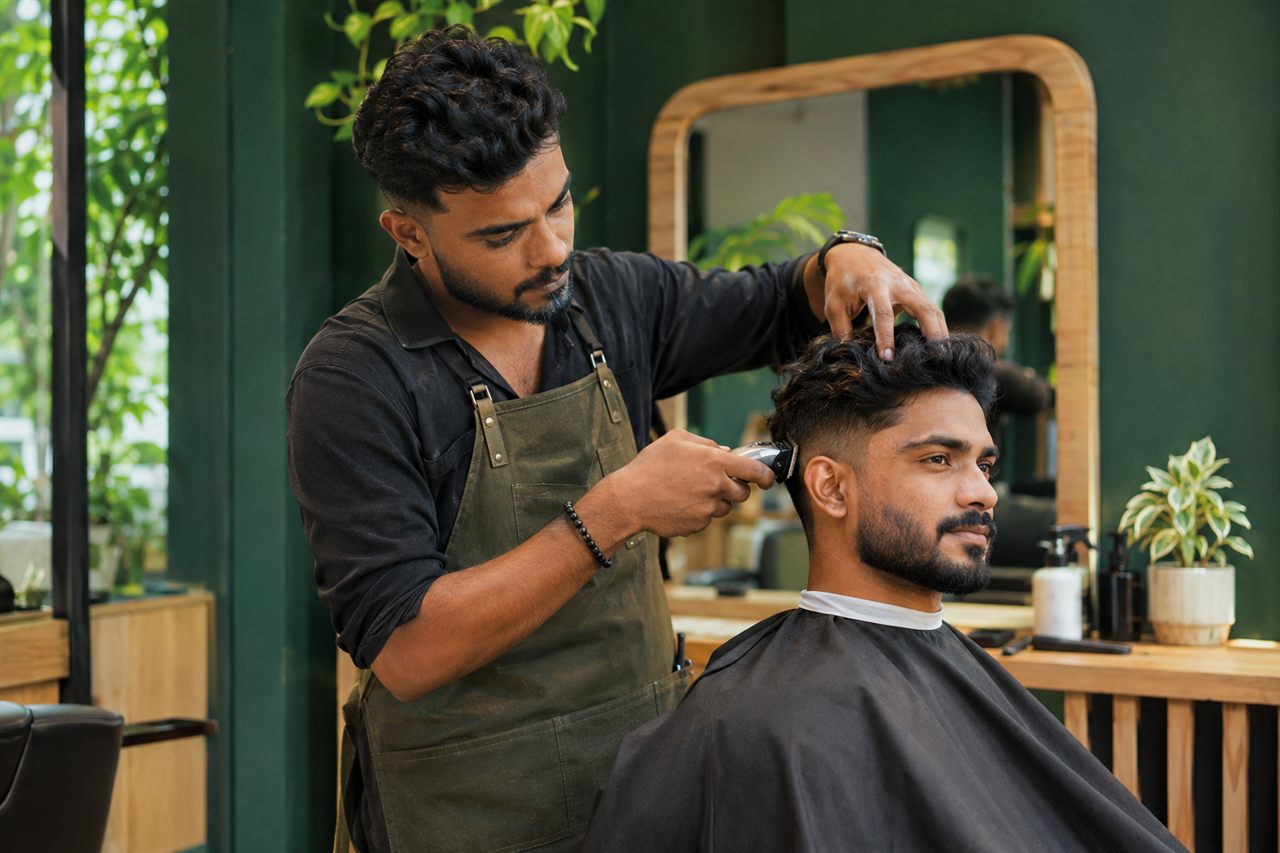
From client records to the end-of-day checkout, keep the information you need close at hand.
Keep client contact details, tags and internal notes together, so your front desk can prepare for the next visit.
Invite staff to their own login and assign Manager, Reception or Staff access. Your business stays in control of permissions.
See online bookings, appointment changes and cancellations in the notification inbox inside your business settings.
Record completed sales and payment methods, then create a receipt from your business workspace.
Owners can review appointments, completed visits and recorded sales for a selected period, and export reports.
Set up service names, prices, durations and options. Add photos and choose which services appear on your public menu.
Build your profile step by step, then publish when you are ready to take bookings.
Choose Try it free, enter your business details and confirm your email to begin your setup.
Add your services, opening hours, location and team. Review your public profile before publishing.
Publish your profile and share its link with customers, on social media and on your Google Business Profile.
We can help you find your next step. Contact support
Choose Try it free to create an Owner account. Confirm your email, then follow the setup guide to add your business details, opening hours, services and team. Review and publish your profile when you are ready.
Yes. Customers open your Lookbook profile in a web browser, choose a service and an available time, then sign in to confirm their booking. They can use your booking link on a phone or computer.
Yes. An Owner invites staff using their email address and assigns their access. Team members use Staff login to open the workspaces available to them.
Once your bookable business profile is published, customers can discover it on Lookbook. You can also share your profile link on WhatsApp, Instagram, your website or your Google Business Profile.
Yes. Lookbook works in a modern web browser on phones, tablets and computers. Open Business login to manage your business or Staff login to access your team workspace.
Visit the Contact page or email [email protected]. Include your business name and describe the issue so support can help you find the right next step.
Create your account, add your services and team, then share your booking link.